YouTube dubbing

Watch the picture.
Hear your language.

ListenDub brings speech into your language while staying synchronized with every frame.

See how it works
A speaker on video is translated into audio for a listener

You watch the picture. ListenDub keeps the story moving without sending your eyes back to subtitles.

One player control. The full pipeline behind it.

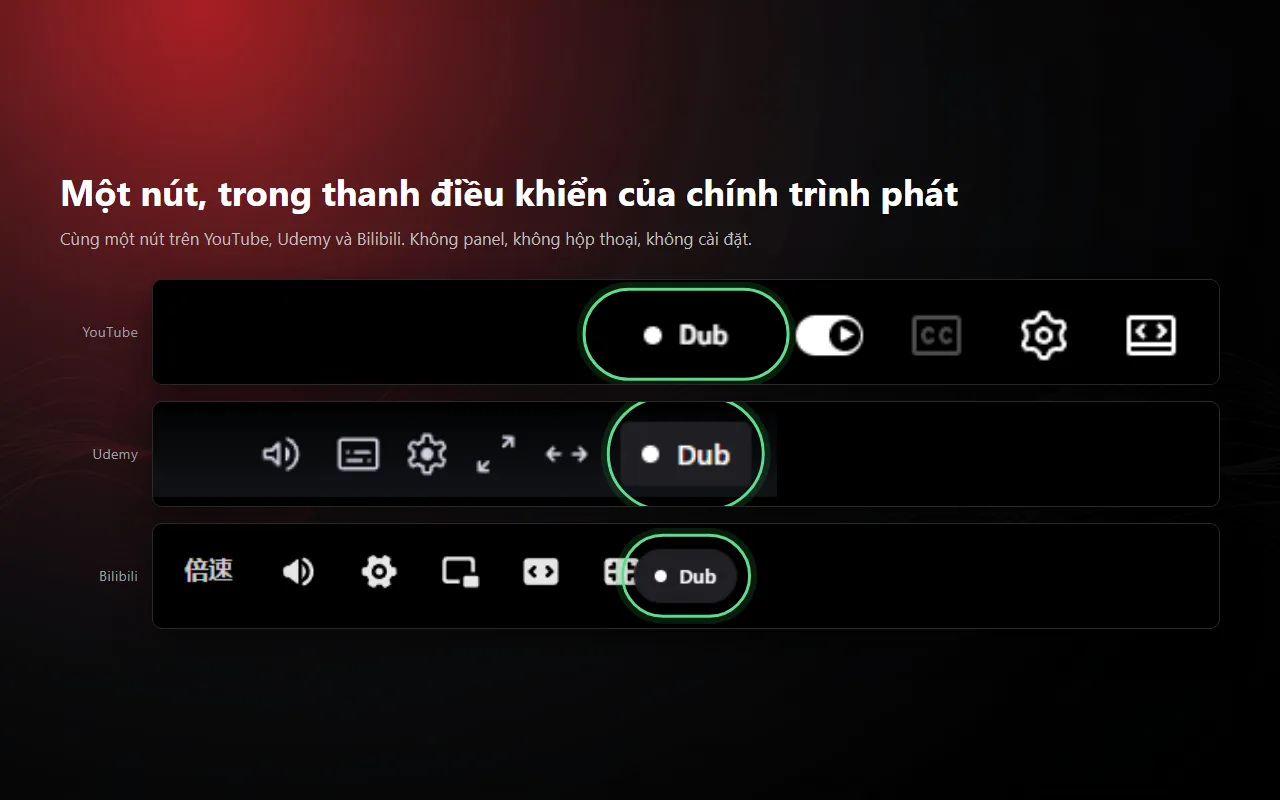
This is the ListenDub interface used inside YouTube, not a recreated product illustration.

ListenDub dubbing control inside the YouTube player
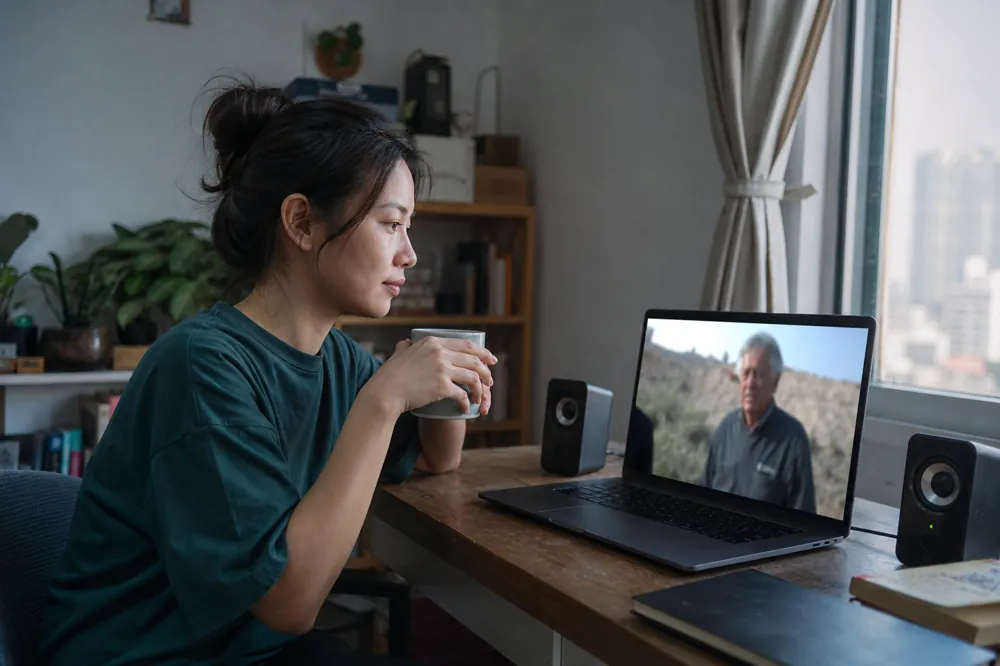
A listener follows a foreign video with ListenDub

Keep your eyes on the video, not the subtitles.

It stays synchronized when you seek, avoids silent gaps, and writes each line to sound natural.

Voice choice remains Free. Member pays for better wording, ASR and personal pronunciation.

Hear the whole story.
No need to watch subtitles.

Member
$6/ month, international

LLM-refined lines, ASR for videos without captions, plus a personal glossary and pronunciation rules.

One payment method. One Member entitlement.

Install once. Keep watching.

  1. Add ListenDub to Chrome

    Chrome asks you to approve the extension. ListenDub then appears in YouTube videos.

  2. Choose a voice you want to hear

    Choose any voice in the catalog, including on Free.

  3. Press play and follow the story

    Audio follows when you seek, encounter ads or change playback speed.

Chrome will ask you to approve the installation.

A website can open a Chrome Web Store listing, but it cannot silently install an extension or grant permissions.

Choose a prepaid period

Prepaid periods paid by VietQR. The order itself is created on the payment page.

Paddle Checkout opens here.

Users outside Vietnam pay $6/month and manage renewal in Paddle Customer Portal. Member is granted only from a verified webhook.